10 Essential Things to Do Immediately After Launching Your Website
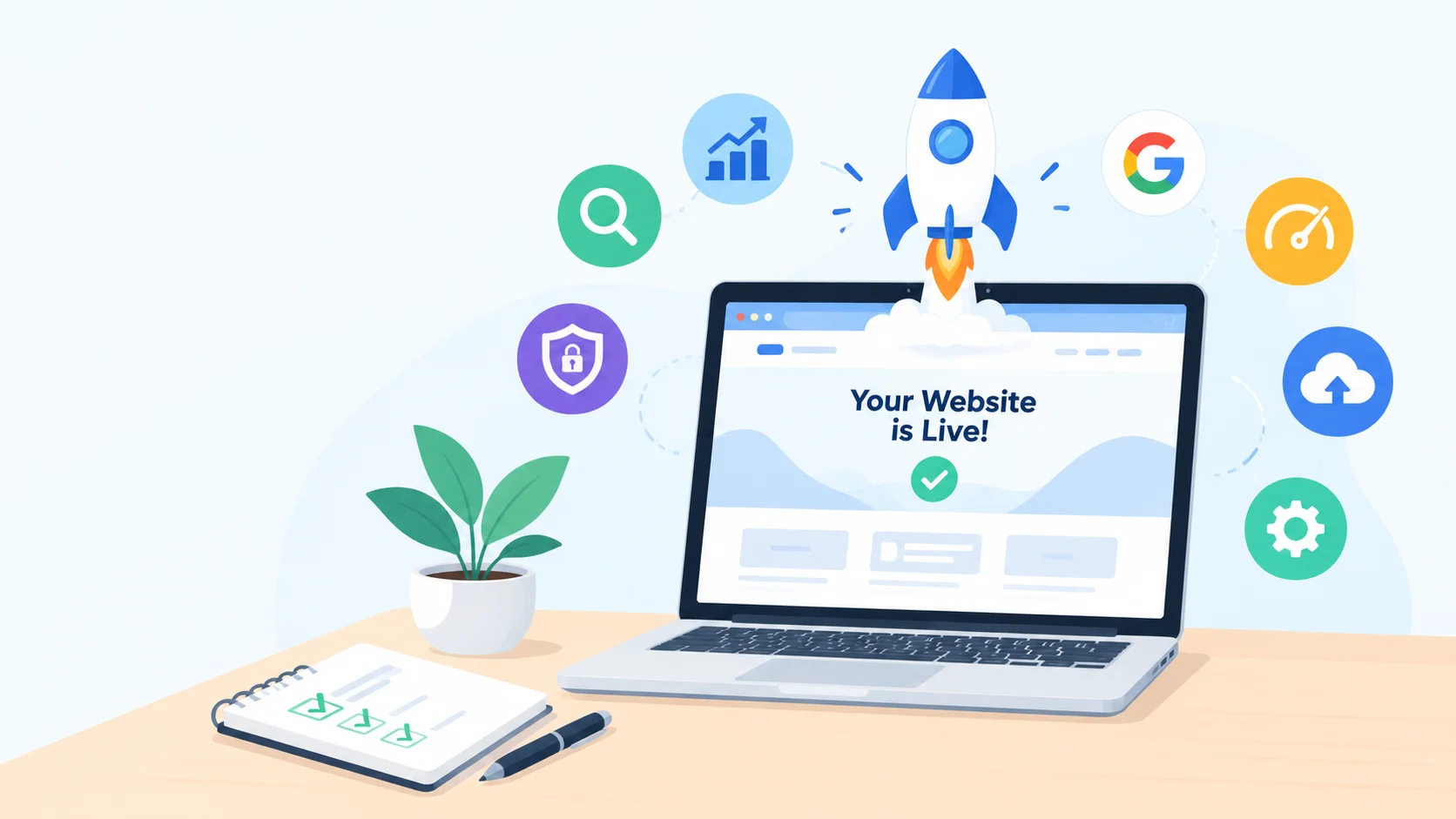
Deploying your code or pushing your WordPress site from staging to production feels like crossing the finish line. The DNS propagation resolves, the homepage renders, and everything looks complete.
Yet, the initial 48 hours following deployment are where websites either build early search engine momentum or fall victim to indexation roadblocks, security breaches, and broken funnels.
Whether you built on WordPress, a headless CMS, or a custom stack, here is the comprehensive roadmap of what to execute the moment your site goes live.
1. Search Engine Visibility & Indexation
Search engines cannot rank what they cannot find—or what you inadvertently forbid them from crawling.
[ Live Deployment ]
│
▼
Disable Search Engine Blocks
(Uncheck ‘noindex’ flags)
│
▼
Generate XML Sitemap & Robots.txt
│
▼
Verify Google Search Console & Bing
│
▼
Submit Sitemap & Request URL Crawl
Uncheck "Discourage Search Engines" (WordPress Specific)
If you built the site locally or on a staging server, WordPress often has “Discourage search engines from indexing this site” enabled by default.
-
Navigate to Settings > Reading.
-
Ensure the Search Engine Visibility checkbox is unchecked.
-
Inspect your homepage source code (
Ctrl+UorCmd+Option+U) and verify that<meta name="robots" content="noindex, nofollow" />is absent from your<head>block.
Uncheck "Discourage Search Engines" (WordPress Specific)
Plaintext
# Good default setup
User-agent: *
Disallow: /wp-admin/
Allow: /wp-admin/admin-ajax.php
Sitemap: https://yourdomain.com/sitemap_index.xml
Ensure lines like Disallow: / are not present on public routes.
Uncheck "Discourage Search Engines" (WordPress Specific)
Do not wait for spiders to stumble upon your site organically.
-
Add your property to Google Search Console (GSC) using DNS TXT record verification for domain-level tracking.
-
Link Bing Webmaster Tools (you can import verification directly from GSC).
-
Generate your XML sitemap via plugins like Rank Math, Yoast, or a static builder.
-
Submit the sitemap URL (e.g.,
sitemap_index.xml) inside GSC. -
Use the URL Inspection tool on your primary money pages and request a manual index crawl.
2. On-Page & Technical SEO Foundation
Once the search engines can crawl, make sure they receive clean canonical targets and structured metadata.
Permalink & URL Canonicalization
In WordPress, navigate to Settings > Permalinks. Choose a clean, keyword-friendly structure—such as Post name (/%postname%/)—and avoid query strings like ?p=123.
Ensure only one version of your domain resolves globally by enforcing 301 redirects at the server level:
-
Pick either
[https://yourdomain.com](https://yourdomain.com)or[https://www.yourdomain.com](https://www.yourdomain.com). -
Ensure pure
http://traffic permanently redirects tohttps://.
Purge Dummy Data & Template Artifacts
Leaving placeholder assets degrades content quality signals:
-
Delete default sample posts like “Hello World!”, sample comments, and default pages (“Sample Page”).
-
Replace default taglines (“Just another WordPress site”) under Settings > General.
-
Confirm all meta descriptions, Open Graph images (for social sharing), and schema markups (Organization, LocalBusiness, Article) render valid data.
3. Security Hardening & Perimeter Defense
A newly launched site is immediately probed by automated vulnerability scrapers looking for default paths and unpatched endpoints.
| Security Vector | Action Required | Tool / Method |
| Transport Layer | Enforce active TLS/SSL with HSTS | Let’s Encrypt / Cloudflare Edge |
| Authentication | Enforce 2FA and remove the admin username |
WP 2FA, Duo, or Auth plugins |
| Login Path | Rename or obscure default admin paths | WPS Hide Login or reverse-proxy rules |
| Brute Force Protection | Rate-limit login attempts and lock IPs | Fail2ban, Wordfence, or LiteSpeed Cache |
| API Endpoints | Disable XML-RPC if unused | Server config or .htaccess rule |
| File Editing | Disable in-dashboard code updates | define('DISALLOW_FILE_EDIT', true); in wp-config.php |
Automate External Backups
Never rely solely on your hosting provider’s local snapshots. Set up scheduled off-site backups (daily database, weekly full files) pushing to an external storage destination like AWS S3, Google Drive, or Cloudflare R2. If using WordPress, tools like UpdraftPlus or ManageWP streamline this redundancy.
4. Performance, Caching & Core Web Vitals
Bounce rates increase dramatically with every additional second of page load time. Run these initial optimizations right away:
-
Activate Page Caching & Object Caching: Install a caching layer tailored to your web server (e.g., LiteSpeed Cache for LiteSpeed, or WP Rocket / Redis Object Cache for Nginx/Apache).
-
Compress Images into Next-Gen Formats: Convert legacy PNG/JPEG media into WebP or AVIF. Ensure responsive
srcsettags are serving smaller assets to mobile viewports. -
Configure a CDN: Deploy Cloudflare or a similar CDN to handle DNS queries, cache static media on edge nodes, and terminate SSL close to the visitor.
-
Audit Core Web Vitals: Run Google PageSpeed Insights on mobile and desktop to verify Largest Contentful Paint (LCP) stays under 2.5 seconds and Cumulative Layout Shift (CLS) stays under 0.1.
5. Functional & Conversion Path Audits
Before sending paid or organic traffic to the site, verify transactional endpoints:
-
Contact Forms & Webhooks: Send real test submissions through every contact, booking, or subscription form.
-
Transactional Email Deliverability: Never rely on native PHP
mail(). Install an SMTP plugin or configure an API provider (such as Postmark, SendGrid, or Resend) with properly configured SPF, DKIM, and DMARC DNS records so your emails bypass spam folders. -
Payment Gateways: If running WooCommerce, Shopify, or custom Stripe/PayPal checkouts, process live, low-value test charges to confirm webhook confirmations, receipts, and order statuses trigger properly.
-
404 Page & Broken Links: Run a crawler tool like Screaming Frog or an internal link checker to detect stray staging links (
localhost,staging.domain.com) or 404 dead ends.
6. Analytics & Compliance
-
Google Analytics 4 / Privacy-First Analytics: Install your measurement tags via Google Tag Manager. Define standard conversion events (form submits, outbound clicks, purchases) right from day one.
-
Legal Pages: Ensure mandatory compliance pages are linked in your global footer: Privacy Policy, Terms of Service, and Cookie Consent / GDPR banner if operating in affected regions.
┌────────────────────────────────────────────────────────┐
│ POST-DEPLOYMENT SUCCESS CRITERIA │
├────────────────────────────────────────────────────────┤
│ [x] Indexing allowed & verified in Search Console │
│ [x] Canonical HTTPS enforced without mixed content │
│ [x] Firewall, 2FA, and off-site backups running │
│ [x] SMTP deliverability passing SPF/DKIM checks │
│ [x] Edge caching active & Web Vitals passing │
└────────────────────────────────────────────────────────┘
Launching the site brings your project into the real world. Completing this checklist ensures it stays online, secure, and ready to climb search rankings.